SMS Opt-in
How customers opt in to order-ready texts.
For carrier and messaging-provider review: the exact screen where a customer consents, what it says, and what happens next.
The flow, step by step
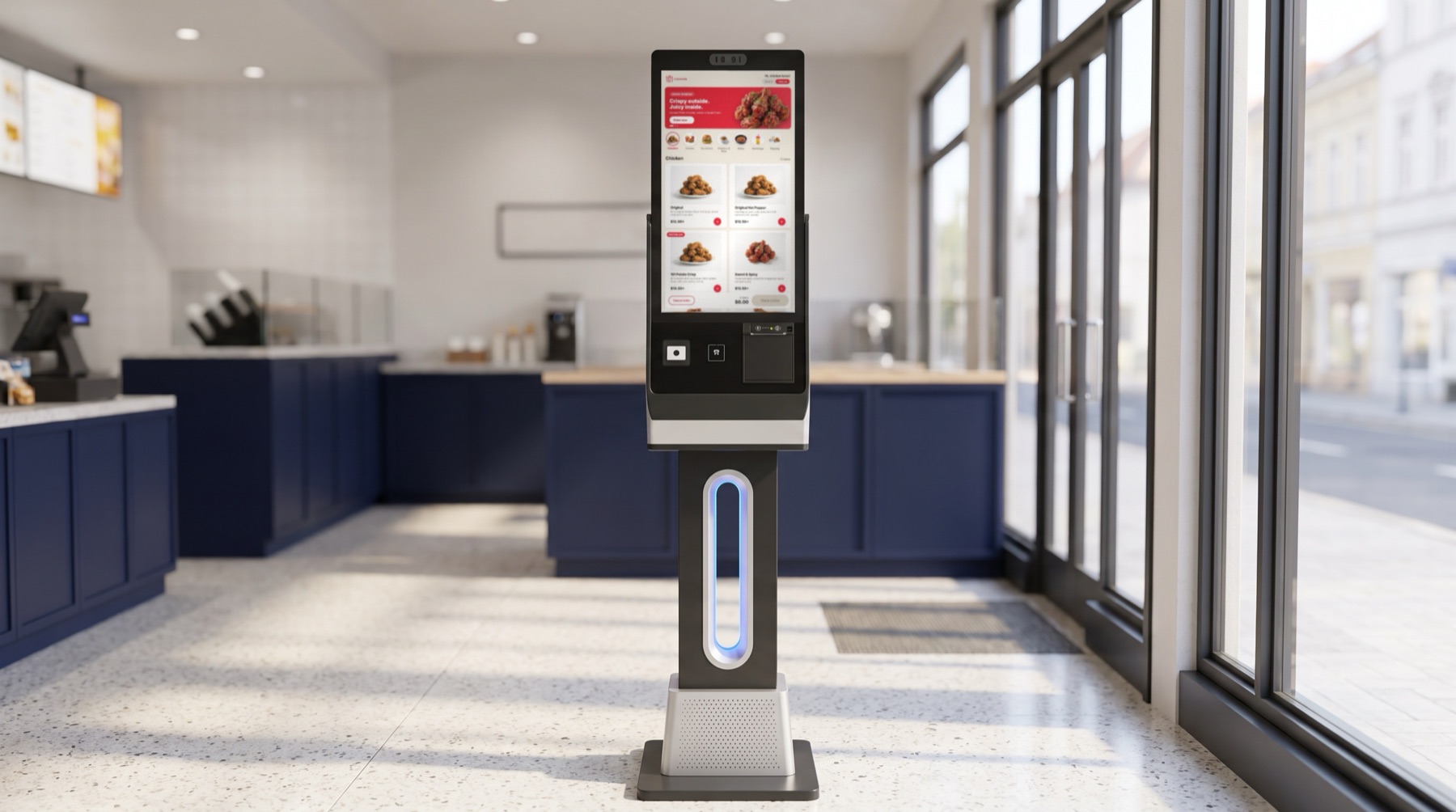
- The customer builds their order on the kiosk (a 24-inch touchscreen in the restaurant) and taps Checkout.
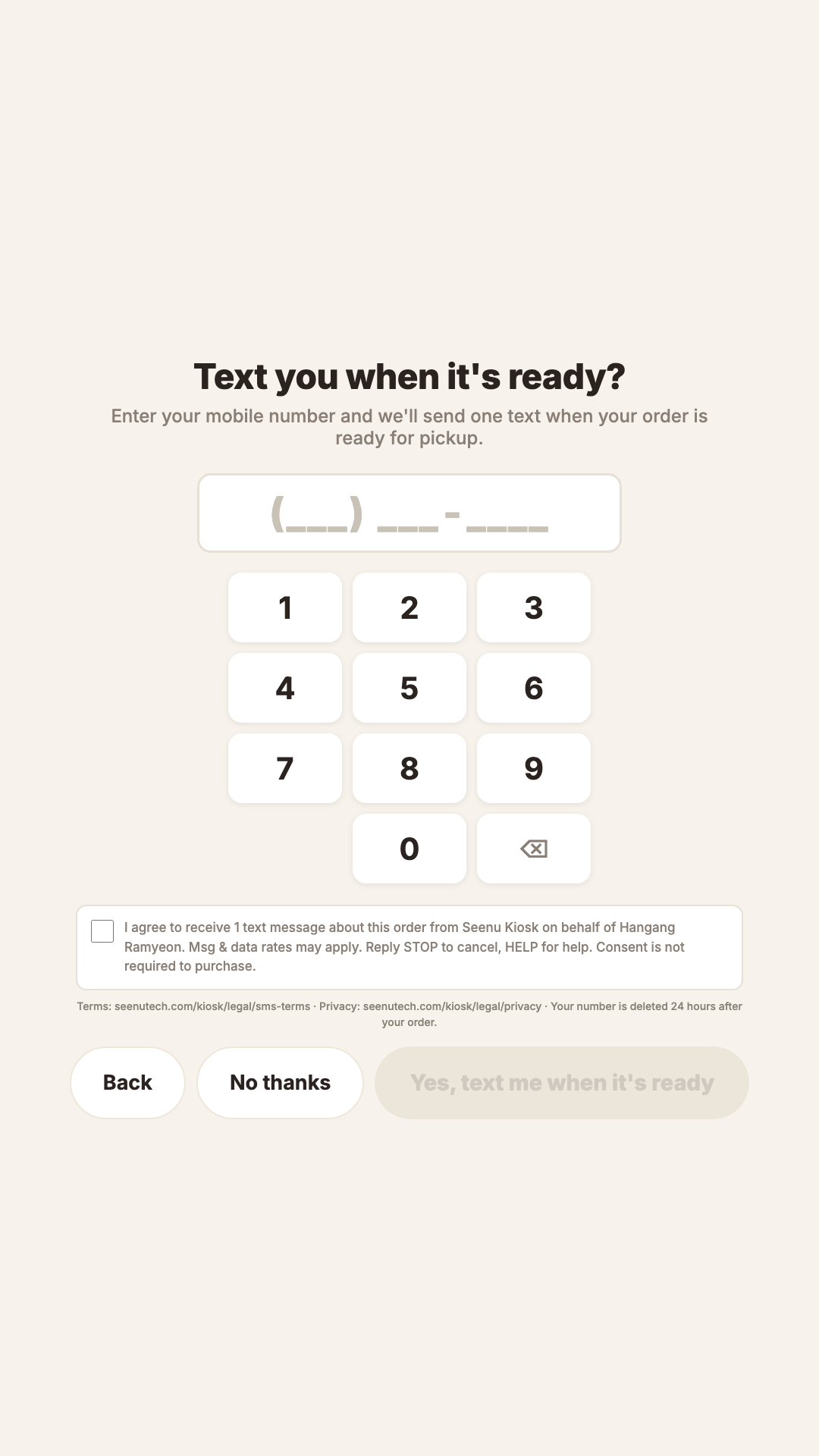
- The kiosk shows the screen below: "Text you when it's ready?" with a number keypad. The screen is optional - tapping "No thanks" proceeds to payment without entering a number.
- To opt in, the customer types their 10-digit U.S. mobile number and actively checks the consent box. The box is never pre-checked.
- The consent text states: one message about this order, sent by Seenu Kiosk on behalf of the restaurant; message and data rates may apply; reply STOP to cancel, HELP for help; consent is not required to purchase. Links to the SMS Terms and Privacy pages are shown on screen.
- The submit button reads "Yes, text me when it's ready" and stays disabled until both the number and the checkbox are complete.
- The customer pays on the card terminal. The number is stored with the order.
- When the kitchen marks the order ready in their point-of-sale system, our server sends exactly one text message. The number is deleted 24 hours after the order.
The message that is sent
101 Chicken: Order #120 is ready for pickup. Questions? Call (201) 402-0001. No reply to this number. Reply STOP to opt out.
The consent screen
Shown in the customer's chosen language. The kiosk supports English, Korean, Spanish, Chinese, and French; the consent content is identical in each.